How MOP Supports Maintenance Teams in Their Daily Work
Maintenance teams play a critical role in keeping hotel operations running smoothly. From fixing issues quickly to preventing future problems, your work directly impacts guest satisfaction and property performance. MOP is designed to support your daily workflow—helping you stay organized, informed, and efficient throughout your shift.
Your Daily Workflow—Simplified
Simplify your day by replacing scattered communication and manual tracking with a clear, organized workflow you can rely on.
Clear Task Lists
Easily stay organized and on track by seeing all your assigned maintenance tasks clearly in one place.
Real-Time Updates
Stay informed throughout your shift with real-time updates that keep you focused and eliminate the need to chase down information.
Better Time Management
This allows you to focus on completing work efficiently and effectively.
Less Miscommunication
Keep everyone aligned and reduce confusion by ensuring all task details and updates are clearly shared in one place.
Confidence in Completed Work
Easily confirm your work is complete and tracked, giving you confidence that nothing is missed and everything is accounted for.
Stay Organized Throughout Your Shift
Stay organized throughout your shift with everything you need in one place, helping you work more efficiently and with confidence.
Why This Matters
When maintenance runs smoothly, it leads to faster resolutions, better equipment performance, and an improved experience for both staff and guests.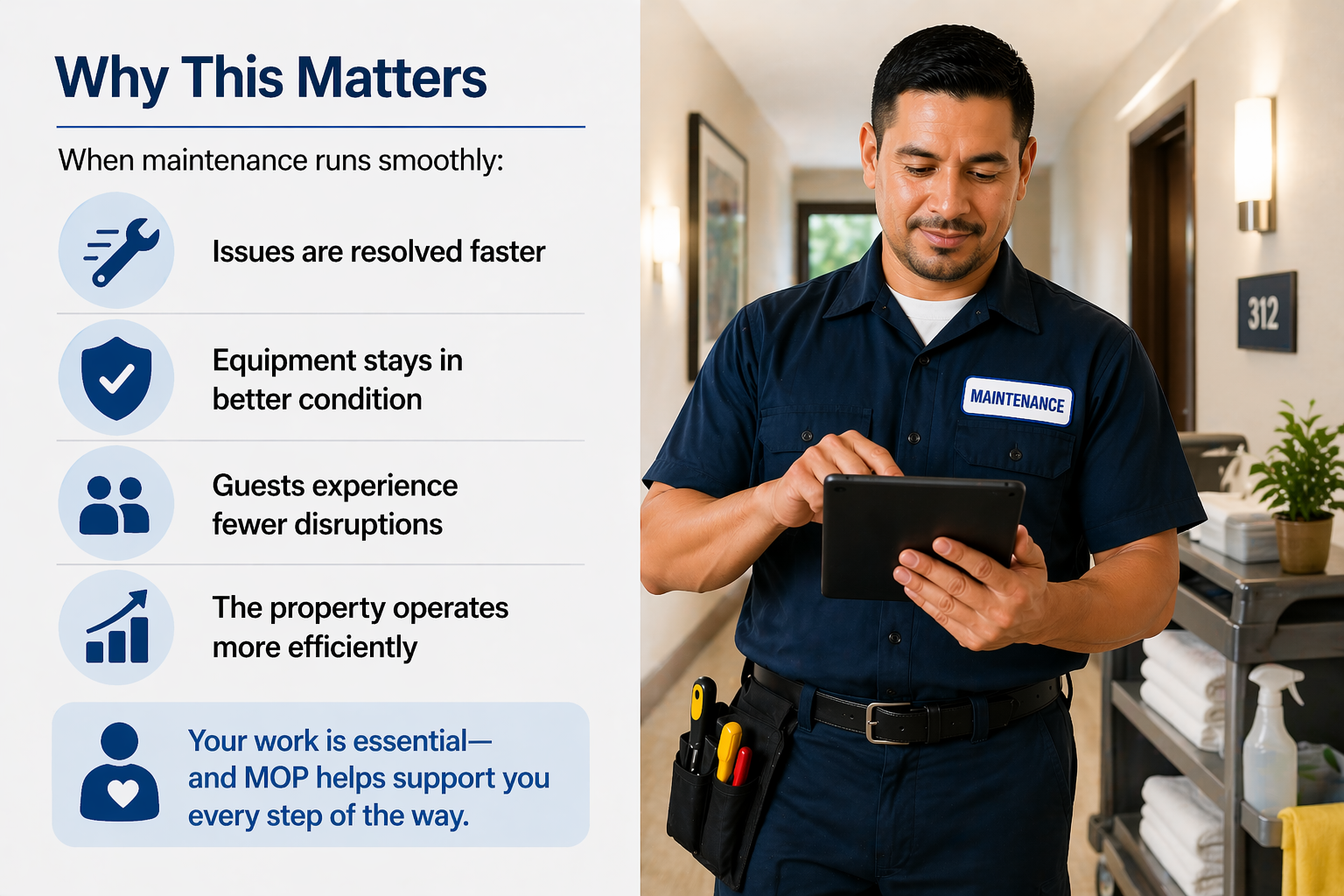
Key Takeaways
These key takeaways show how MOP keeps your maintenance workflow organized, efficient, and easy to manage from start to finish.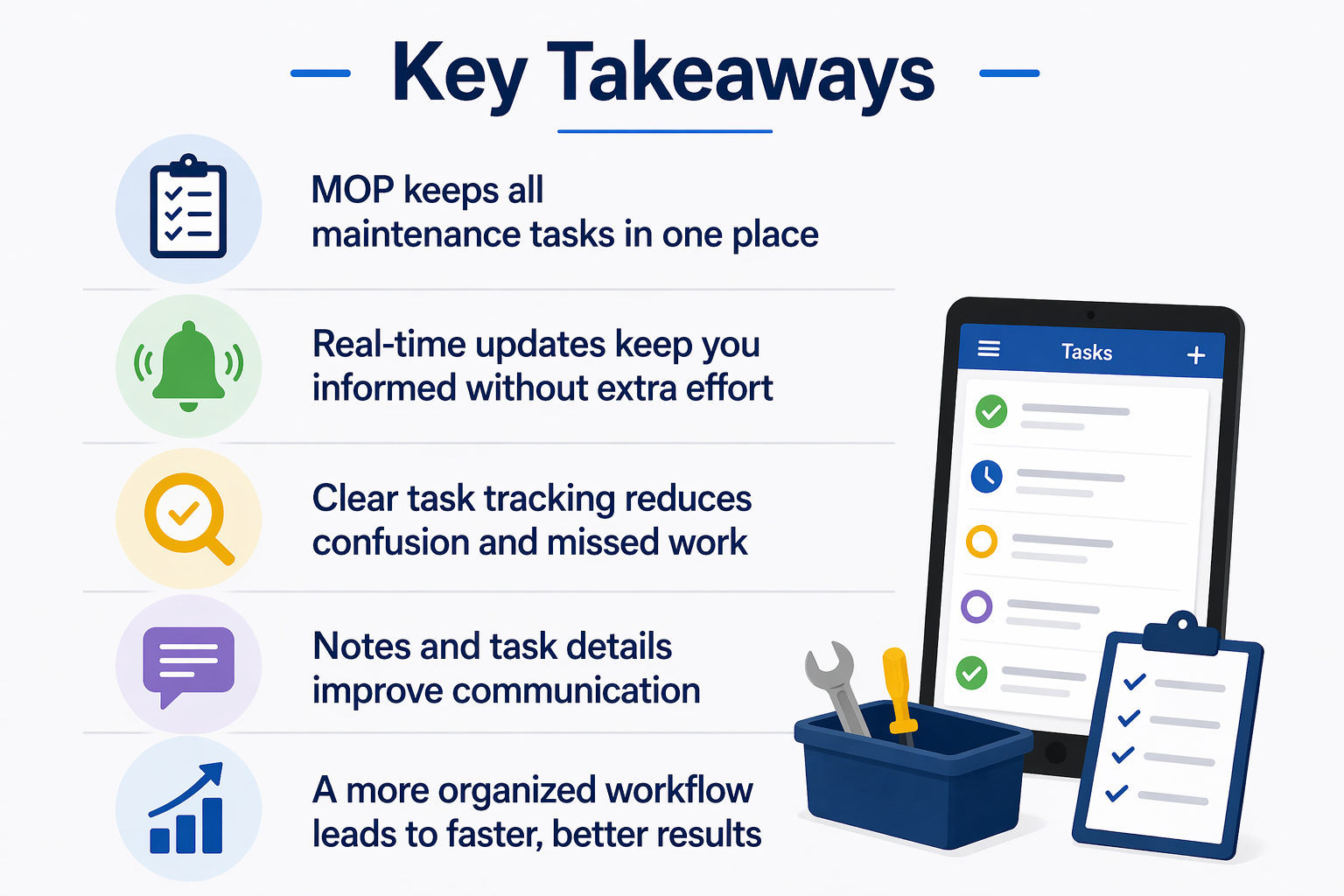
Still Need Help With This Topic?
Ask Yourself:
-
Why don’t I see certain maintenance tasks assigned to me?
- Can I add notes or updates to a task?
- Why can’t I edit or complete a task?
- Are my tasks filtered or hidden?
Support May Ask You:
-
What role are you assigned (Maintenance, Supervisor, Admin)?
- Which screen are you using (My Tasks, Maintenance page, etc.)?
- Are filters applied?
- What device or browser are you using?
- What action were you trying to complete?