How MOP Supports Front Desk Staff in Their Daily Work
Front desk staff are at the center of the guest experience. From check-ins and check-outs to handling guest requests, your role requires quick communication, organization, and accuracy. MOP is designed to support your daily workflow—helping you stay informed, respond faster, and keep everything running smoothly throughout your shift.
Your Daily Workflow—Simplified
Simplify your front desk workflow by reducing manual tracking and keeping all guest requests and updates in one organized place.
Clear Task Visibility
Quickly access and manage all guest requests and task details in one place, making your front desk workflow more efficient and organized.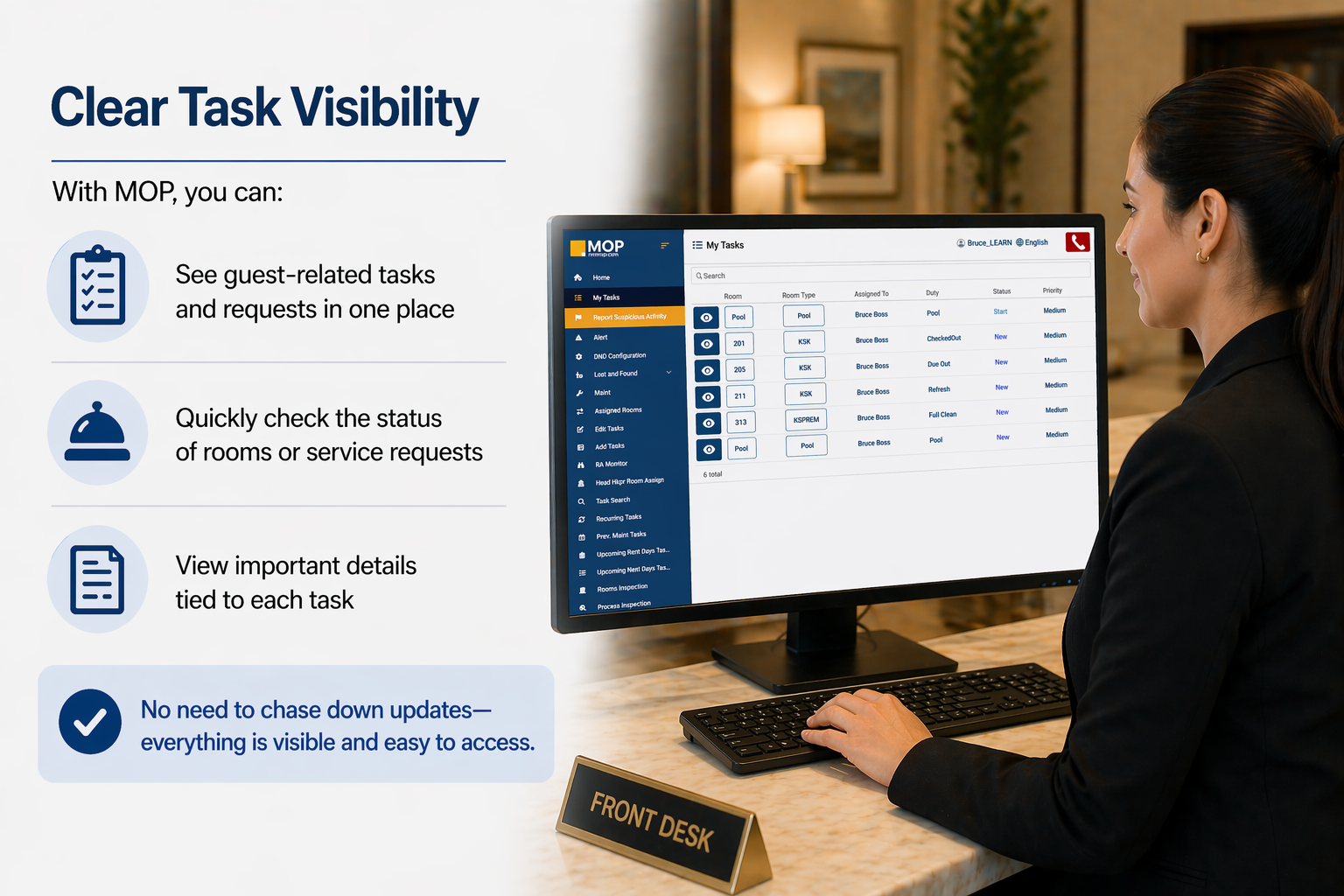
Real-Time Updates
Stay up to date throughout your shift with real-time task updates that help you respond quickly and keep guests informed with confidence.
Better Communication Across Departments
Improve teamwork and reduce confusion by keeping everyone connected with clear, shared task information across departments.
Faster Response to Guest Needs
Respond to guest needs faster and more accurately by staying informed and connected with real-time updates.
Confidence in Task Follow-Up
Stay confident throughout your shift by easily tracking, confirming, and managing every guest request in one place.
Stay Organized Throughout Your Shift
Stay organized and in control throughout your shift by keeping all updates and tasks in one clear, easy-to-manage place.
Why This Matters
When front desk operations run smoothly, it leads to faster service, better communication, and a stronger overall guest experience.
Key Takeaways
These key takeaways highlight how MOP keeps front desk operations organized, efficient, and focused on delivering a better guest experience.
Still Need Help With This Topic?
Ask Yourself:
-
Why can’t I see certain tasks or updates?
- How do I check the status of a guest request?
- Can I add notes to provide more detail?
- Are filters hiding information on my screen?
Support May Ask You:
-
What role are you using (Front Desk, Manager, Admin)?
- Which screen are you on (Tasks, Dashboard, etc.)?
- Are any filters applied?
- What device or browser are you using?
- What action were you trying to complete?